Celeritas, a launcher for macOS

A Mac launcher that
already knows
the answer.

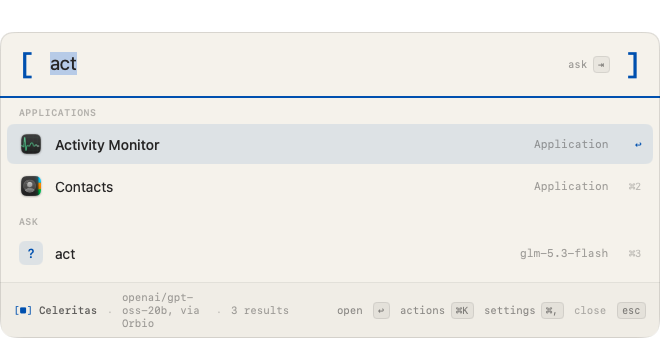
Apps, files, mail, calendar, maths, units and emoji, the way any launcher does it. Then every coin, token, share and currency, worked out on your own machine in under a millisecond. A model is asked only when the question needs one, and the row names the model before it goes.

Opens with controloptionspace, or any hotkey you like.

  • macOS 26
  • Apple silicon
  • 4 MB
  • Free, MIT
  • No account
The Celeritas launcher before anything is typed
Before you download anything

Use it in your browser first.

The launcher runs on this site with real prices, on the same tables the app downloads. Nothing installed and no account.

Try it in your browser
Before you type anything

It opens with
the answer to
the last question.

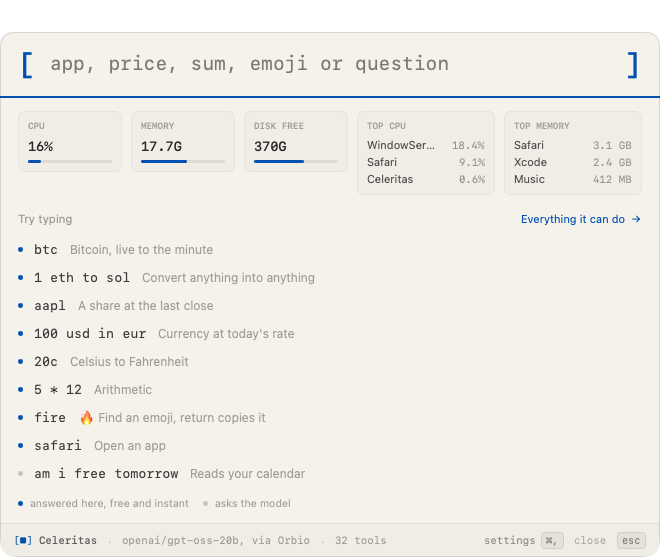
Hit the hotkey and the panel is already showing what your Mac is doing: processor, memory, disk, and the two processes using most of each. Any tokens you pinned are priced on the same screen, fetched when the window opened. Turn any of it off on the launcher page in settings.

The launcher panel before anything is typed, showing processor, memory and disk
Why it is quicker

The browser tab you
were about to open.

Nearly all of this normally costs a tab. Find the site, run the search, close the banner, then find your way back to what you were doing. Celeritas answers from a file already on your disk, over the top of whatever is on screen, and closes when you press escape.

No round trip

Prices, rates, conversions, maths, units, emoji and app names are answered on your machine in under a millisecond. No request goes out, so there is nothing to wait for and nothing to be down.

No app switch

The panel floats over the window you were working in. You do not change space, lose your cursor, or come back to a browser with nine tabs you have to close later.

One sentence instead of four apps

Mail, calendar, reminders and files are the questions that do need a model. Ask in one line and the row tells you which model is about to get it, what it will cost, and what it did afterwards.

Crypto

Any token on
Robinhood or Solana.

Paste a contract address from Robinhood chain or Solana, or type the name of one you follow. Your Mac works it out from a table already on disk, with no model and no key involved.
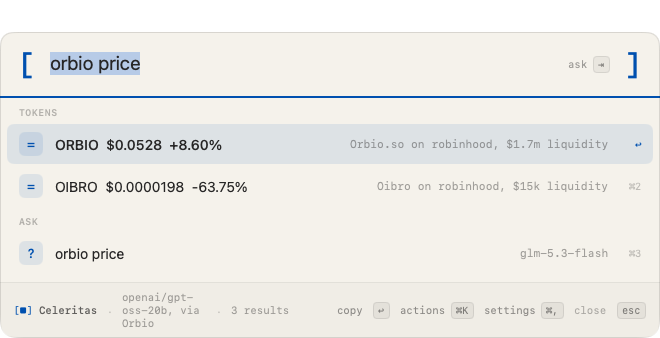
A token looked up by contract address, with pool liquidity

Every row carries the pool liquidity. A copycat can take a familiar ticker, so the thin pool under it is usually the giveaway.

Coins, live to the minute
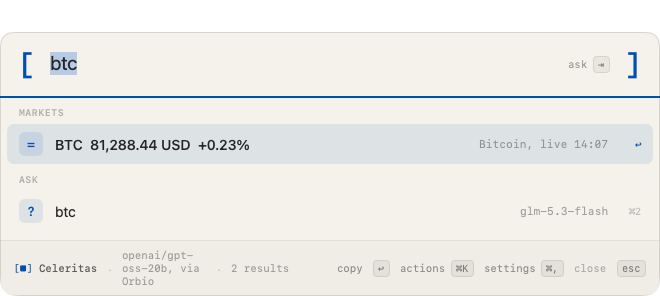
A coin price

Anything into anything

Converting a coin into a currency

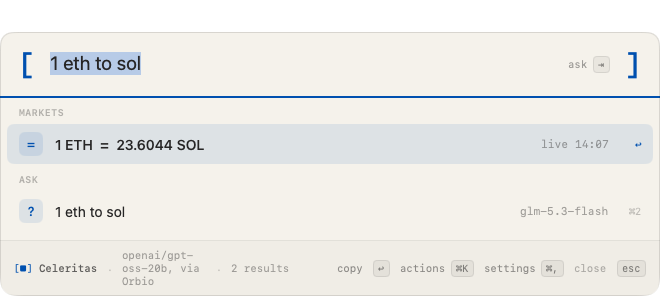
Coin to coin, coin to a currency, a share into a coin. The tag names the stalest side, so you always know how old the answer is. Tokens you pin sit on the panel before you type anything, priced on open.
What else you can type

Everything else
it answers on its own.

Shares

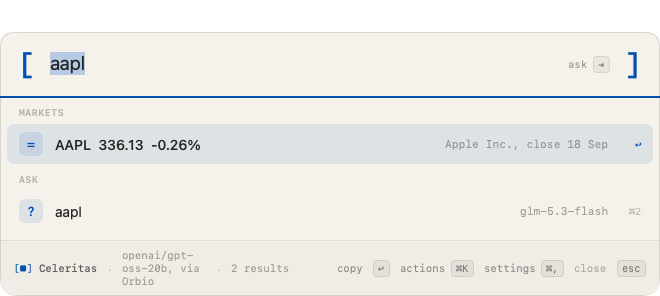
At the last close.

A share price in the launcher

Currency

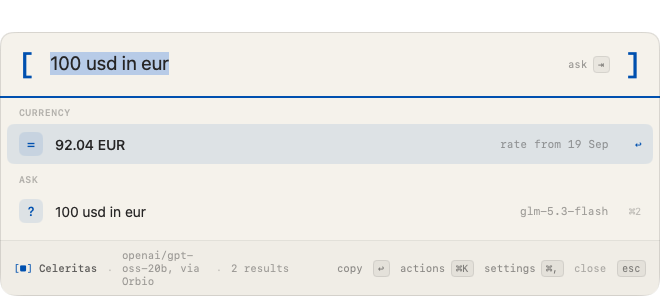
Today's published rate.

A currency conversion

Units

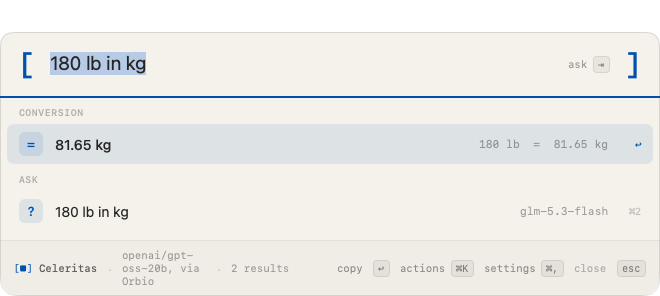
Seven kinds, about ninety spellings, offline.

A unit conversion

Arithmetic

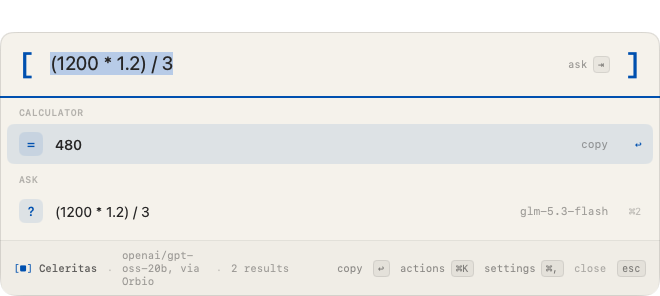
Brackets and powers.

Arithmetic in the launcher

Emoji

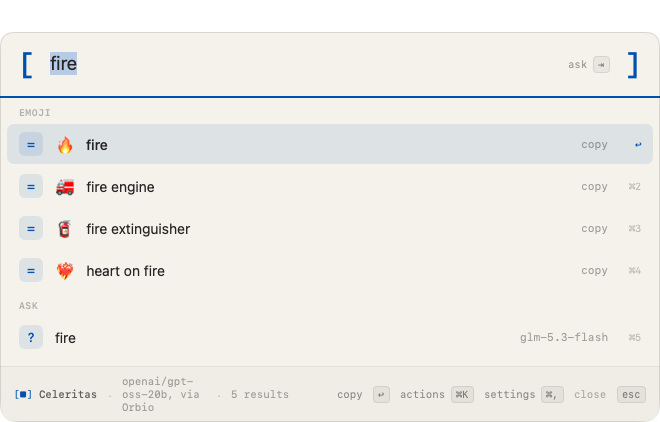
3,963 of them, offline. Return copies the character.

Emoji search

Apps

By name or by initials.

Apps matched by name and initials

Your machine

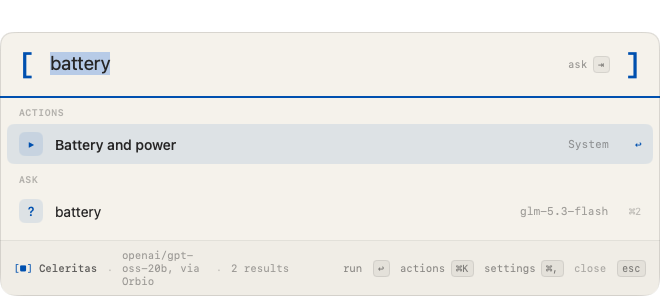
Battery, disk, memory, wifi, what is using the processor.

Battery, disk, memory and wifi
When a model is needed

You see which model,
before it runs.

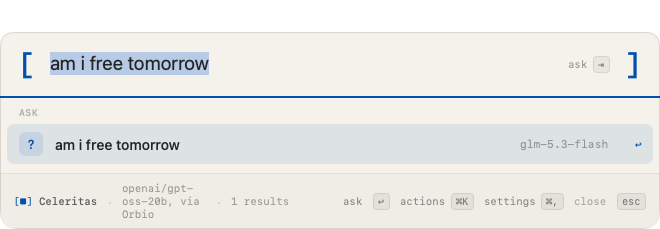
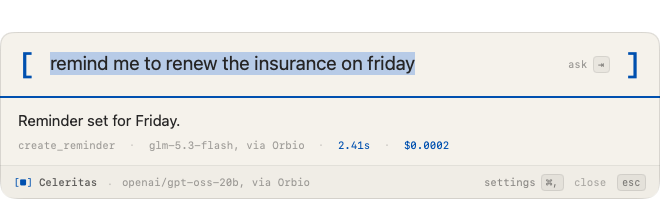
Your calendar, your mail, your reminders, your files. The row names the model that will get the question. Press return and it runs, then tells you what it did, what it cost and how long it took.

A calendar question, showing which model will answer it
The receipt after a question ran
Setting it up

Three places
an answer
can come from.

The first run asks where answers should come from, before anything is sent anywhere, and the window shows what each one scored on our benchmark. Apple Intelligence is free and stays on your Mac. A local model is free and scores 16 of 22. Your own Orbio key scores 18 of 22 at about $0.00018 a question, paid to Orbio, and Celeritas takes nothing on top.

The full guide

Every screen, in order.

Downloading, checking the file, getting past the first open on macOS 26, pasting an Orbio key and changing it later. With a picture of each one.

Read the setup guide
Powered by Orbio

Bring your own
Orbio key.

The first run asks for it, and settings takes it any time after that. Celeritas then sends your question straight to Orbio on your key, for whichever model you picked. You pay Orbio for what you use, every answer shows what it cost, and Celeritas takes nothing. No markup, no account with us, nothing in between. The key is stored on your Mac and sent to Orbio only.

Orbio also made the benchmark behind this app possible. All 14 models, across 45 runs and 1,457 scored attempts, were reached through one Orbio key on one OpenAI-shaped endpoint. Comparing a dozen vendors fairly usually means opening a dozen accounts against a dozen slightly different APIs. This took one.

OrbioInference infrastructure for Celeritas
What it sends, and where

Worth being exact,
since it reads your mail.

Nothing leaves unless you ask a model

Prices, rates and emoji are files downloaded from celeritylabs.co, and the whole table comes down at once, so the app never tells us the thing you typed.

A token lookup is the one exception

Answering “what is this contract” means telling us which contract, so that address passes through our server. It is cached for five minutes and not logged.

Your calendar and mail go nowhere else

Only to the model you chose, when you press return on a question that needs it, and only the part of them that answers your question.

There is no account

Pinned tokens, your hotkey and your key stay on your Mac, in the same place macOS keeps every app’s preferences.

How the model was chosen

We measured
14 of them.

22 questions nothing was tuned against, scored on what the Mac ended up doing. Every model did worse on those, and the order changed. The suite, the harness and every run record are public.

Free, and we take
no cut of anything.

MIT for the code, and the checksum above is how you tell you got what we shipped. Or build it yourself, which is the better option if you would rather read the code than trust a binary from a stranger.